ESPN-family college football games this weekend
Updated November 17, 2026. The ESPN college football TV schedule for November 20-21 contains 21 games across ABC, ESPN, ESPN2, ESPNU, SEC Network and ACC Network. The list below covers those linear television assignments, including Yale-Harvard from the Football Championship Subdivision. Every time is Eastern Time. Digital-only ESPN+ and SEC Network+ games are discussed separately rather than mixed into this television grid.
Friday contributes two games, followed by nineteen on Saturday. That definition matters: a search for ESPN football can return the company's national schedule website, its main television channel, its broader network family or its streaming catalog. This table answers the network-family television question. It does not claim that all college football broadcasts are carried by ESPN or that every ESPN-related event requires the same subscription.
| Date | Kickoff ET | Matchup | Network |
|---|---|---|---|
| Friday, Nov. 20 | 7:30 p.m. | Bowling Green at Toledo | ESPN2 |
| Friday, Nov. 20 | 7:30 p.m. | Clemson at Duke | ESPN |
| Saturday, Nov. 21 | 12 p.m. | BYU at Kansas | ABC |
| Saturday, Nov. 21 | 12 p.m. | Memphis at Navy | ESPN2 |
| Saturday, Nov. 21 | 12 p.m. | North Texas at Tulane | ESPNU |
| Saturday, Nov. 21 | 12 p.m. | Syracuse at Boston College | ACC Network |
| Saturday, Nov. 21 | 12 p.m. | Vanderbilt at Florida | SEC Network |
| Saturday, Nov. 21 | 12 p.m. | Wake Forest at Georgia Tech | ESPN |
| Saturday, Nov. 21 | 3:30 p.m. | Arkansas at Texas | ESPN |
| Saturday, Nov. 21 | 3:30 p.m. | LSU at Tennessee | ABC |
| Saturday, Nov. 21 | 3:30 p.m. | NC State at Florida State | ACC Network |
| Saturday, Nov. 21 | 3:30 p.m. | Samford at Auburn | SEC Network |
| Saturday, Nov. 21 | 3:30 p.m. | Yale at Harvard (FCS) | ESPNU |
| Saturday, Nov. 21 | 3:45 p.m. | Texas A&M at Oklahoma | ESPN2 |
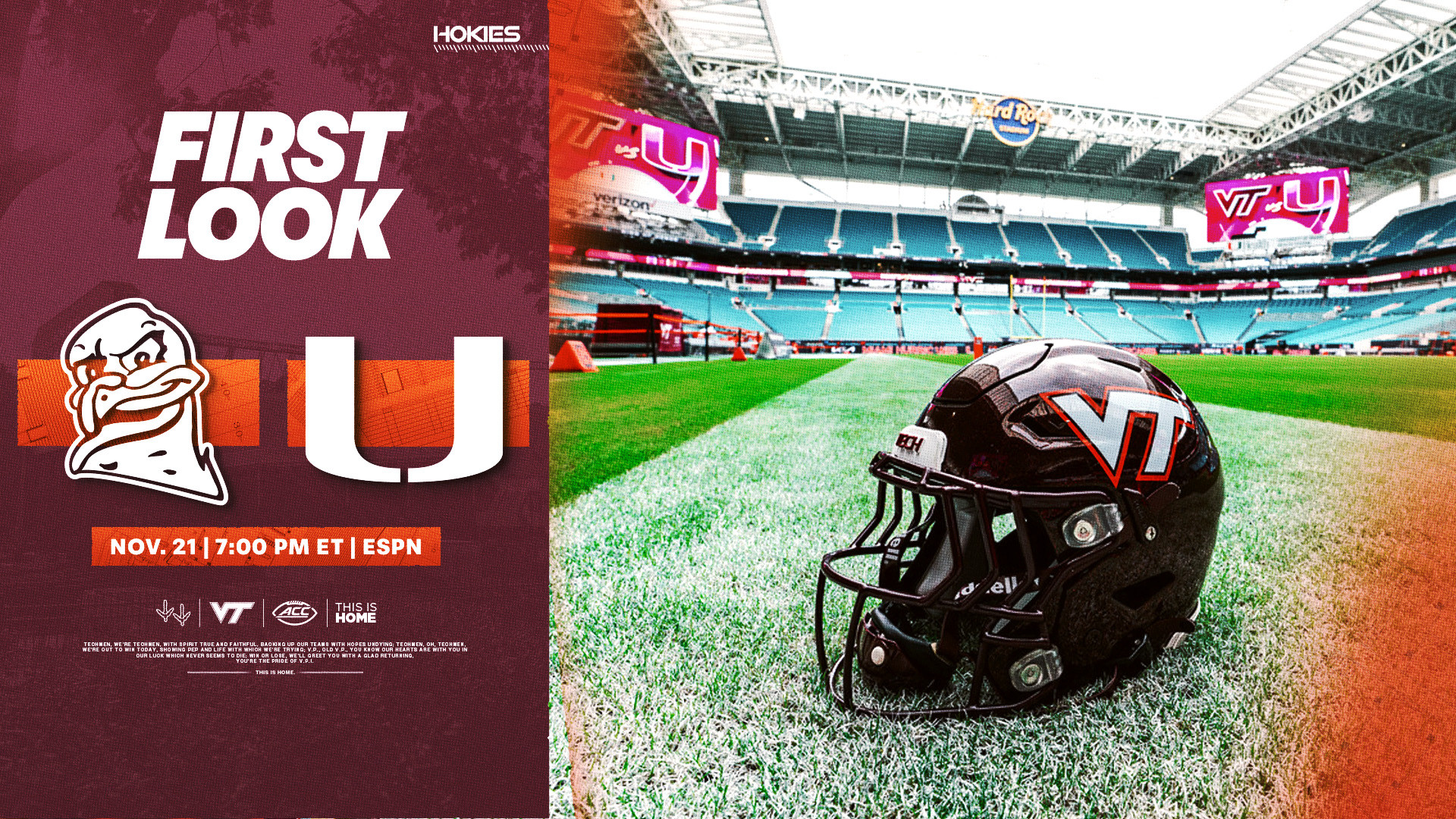
| Saturday, Nov. 21 | 7 p.m. | Virginia Tech at Miami (Fla.) | ESPN |
| Saturday, Nov. 21 | 7:30 p.m. | Georgia at South Carolina | ABC |
| Saturday, Nov. 21 | 7:30 p.m. | Kentucky at Missouri | SEC Network |
| Saturday, Nov. 21 | 7:30 p.m. | Pitt at Louisville | ESPN2 |
| Saturday, Nov. 21 | 7:30 p.m. | Stanford at Cal | ACC Network |
| Saturday, Nov. 21 | 8 p.m. | UTSA at UAB | ESPNU |
| Saturday, Nov. 21 | 10:15 p.m. | Oklahoma State at Arizona State | ESPN |
The current assignments come from ESPN's Week 12 broadcast release, checked against the NCAA's weekly listing and the site schedule. They remain subject to later changes. Ranking numbers are omitted because the release uses a dated CFP edition, while other lists may display newer AP positions.
For games outside this network family, open the national college football TV schedule. For the broader week's opponents and dates, use the Week 12 schedule. Keep this dated table for the stated Friday-Saturday slate, then check the current matchup when you are ready to watch.
Which games belong on this ESPN schedule?
The table's boundary is a television assignment, not a team's conference or a website's logo. ABC, ESPN, ESPN2, ESPNU, SEC Network and ACC Network all appear in the 21-game list. A game on ESPN+ can belong to the company's broader weekend coverage while remaining outside this particular linear-channel grid. Keeping that boundary visible lets a viewer compare channel packages without confusing them with streaming catalogs.
The ESPN website covers more than ESPN broadcasts
ESPN's schedule and scoreboard report the national sport, including games carried by other broadcasters. Seeing a matchup there does not establish that it will play on the ESPN television channel. Look at the network field, then check the event's viewing instructions. The same principle applies when a search result comes from a broadcaster's news site but describes a game on another network.
Radio adds another layer. ESPN's release includes radio coverage of Ohio State-Nebraska and UCLA-Michigan. Those entries should not be imported into a television grid as ESPN TV assignments. A radio pregame start can precede kickoff, too. For television, follow the actual TV network and game start; for listening, follow the separate radio listing.
Yale-Harvard belongs here because ESPNU is televising it at 3:30 p.m. ET. It is an FCS matchup, so describing this as an exclusively FBS list would be inaccurate. Yale's broadcast announcement confirms that assignment and the Fenway Park setting.
Digital coverage extends further than these 21 games. Examples on Saturday include Colorado at Cincinnati at noon ET and Montana at Montana State at 2 p.m. ET on ESPN+, plus Wofford at Ole Miss at noon ET on SEC Network+. Those are examples, not a complete digital-only schedule. Check the specific event tile to see the available feeds and your account's entitlement.
The practical result is a two-step search: choose the matchup first, then identify its exact outlet. That works for a television channel, a digital feed or radio, without assuming that one ESPN-branded result answers all three questions.
Choose a viewing window across the ESPN channels
The game count explains what is available; the start times explain what you can actually follow. Six ESPN-family television games begin at noon ET Saturday, and the afternoon produces another group of simultaneous starts. A practical plan gives each window a primary game and leaves room to check an alternative during breaks. Trying to schedule every game equally only moves the decision to kickoff.
Friday’s two-game opening
Clemson at Duke on ESPN and Bowling Green at Toledo on ESPN2 both start at 7:30 p.m. ET Friday. They are separate broadcasts, so finding ESPN in your channel guide does not automatically put the second game on the screen. Check whether your package includes ESPN2 and decide whether to switch between the games, use another supported screen or record one through a service that offers recording.
Saturday’s overlapping afternoon and evening starts
At 3:30 p.m. ET, ABC carries LSU at Tennessee while ESPN carries Arkansas at Texas. ESPNU has Yale-Harvard, ACC Network has NC State-Florida State and SEC Network has Samford-Auburn. Texas A&M at Oklahoma begins fifteen minutes later on ESPN2. Those overlaps are a concrete reason to write the exact channel beside each selected matchup.
Evening planning is different because the starts are staggered. Virginia Tech at Miami begins at 7 p.m. ET on ESPN. Georgia-South Carolina, Pitt-Louisville, Stanford-Cal and Kentucky-Missouri follow at 7:30 p.m. on four other channels. UTSA-UAB starts at 8 p.m. on ESPNU. A viewer following the whole family has choices across several windows, rather than one universal prime-time kickoff.
Keep a separate note for Oklahoma State-Arizona State at 10:15 p.m. ET on ESPN if you intend to watch late. Earlier games can run long, so the listed start of another game is not a promise that your current broadcast will have ended. The weekend schedule helps place these ESPN assignments beside games carried elsewhere; use it when household viewing priorities extend beyond this network family.
Watch the listed channel with the right ESPN access
Choose access by the game's listing, then check what your household already receives. The ESPN App displays events that can require different entitlements. Downloading it is a way to reach the event, not proof that every game will play. Before signing up for another service, open the specific matchup on the device you plan to use and read the access message.
ESPN Select and ESPN Unlimited cover different content
ESPN Select provides ESPN+ content. ESPN Unlimited adds the broader ESPN network lineup, including the linear channels used in this weekend's table. An eligible television-provider package can offer another route, and some providers include ESPN plan access. Check your provider and account details before assuming you need a second subscription.
| Listing | What to verify |
|---|---|
| ESPN, ESPN2 or ESPNU | The exact channel through your provider or appropriate ESPN Unlimited access |
| ABC | Your local broadcast option or authorized ESPN on ABC access |
| ACC Network or SEC Network | The named network in the package or plan |
| ESPN+ | ESPN+ content entitlement through Select, Unlimited or an applicable bundle |
Use ESPN's current plan explanation to compare those content boundaries. The important difference is the content, not the familiarity of an old subscription name. A bundle can also require account linking before access appears in the app. Verify the actual signed-in account rather than relying only on a billing email saying that a bundle exists.
SEC Network+ and ESPN+ are different labels
SEC Network+ is a digital companion, while SEC Network is a linear channel. ESPN+ is another content label with its own entitlement. Some games offer multiple authorized feeds, but the plus signs do not mean that every event is interchangeable. Select the feed your account is entitled to watch and check the individual event if several tiles appear.
That distinction is useful for the digital examples outside the main grid. Wofford-Ole Miss on SEC Network+ should prompt a different check from Vanderbilt-Florida on SEC Network. Colorado-Cincinnati on ESPN+ has a different label again. Copying every one of those entries simply as ESPN would lose the information you need to open the correct feed.
Disney+ is another place where the precise event matters. This week's official release identifies Arkansas-Texas and Virginia Tech-Miami among its selected offerings there; that does not turn Disney+ into a universal substitute for every ESPN-family game. For broader comparisons across conferences, use our college football streaming guide, then return to the exact Saturday listing before committing to a viewing setup.
Use Multiview only where your device and access support it
Multiview can help with Saturday's overlapping starts, but two checks come first: whether the feature is supported on your device, and whether your account can watch the games you want to combine. ESPN's Multiview explanation describes the feature for Select and Unlimited subscribers. That feature availability does not give a Select account the linear-channel content of an Unlimited plan.
Check the current supported-device information and the options shown in your own app. Do not assume a television, phone and streaming box will present identical controls. ESPN chooses the available Multiview combinations; viewers cannot assemble a custom mix. Device support and the combinations actually offered matter more than a promotional picture showing several games at once.
For this weekend, test the feeds you care about individually before attempting to combine them. If LSU-Tennessee on ABC opens but Arkansas-Texas on ESPN asks for additional access, changing the screen layout will not resolve the entitlement difference. Confirm the correct account or provider authentication for the second game first.
When a supported combination is available, choose one game as your main focus and make sure you know which audio feed is active. A smaller panel may be useful for monitoring another score, but it can be harder to follow a formation, a replay or a close sideline play. Expand the game you want to watch closely rather than expecting every panel to provide the same viewing experience as a full screen.
If the desired combination is unavailable, a single authorized feed remains a workable plan. You can switch during a break, use another supported device within the service's limits or use recording if your television provider offers it. Check those limits separately; a Multiview feature, simultaneous account streams and recording are different capabilities.
Leave time to test the exact setup before the afternoon cluster begins. That is especially useful when a guest brings a different device or the household usually watches through a provider's app instead of the ESPN App. The objective is to make the chosen games easy to follow, not to assume that the largest possible screen layout is always the best one.
Save a schedule that still makes sense after an update
A useful saved schedule preserves enough information to identify the broadcast later. Keep the full date, both teams, the kickoff and the exact network together. A cropped screenshot that shows only a team name and ESPN can lose the difference between Friday and Saturday, ESPN and ESPN2, or a live broadcast and a replay.
For a paper copy, open print preview with Ctrl+P on Windows or Command+P on a Mac. Select the pages you need, then inspect the table's right edge before printing. A channel column cut off by the page margin is a significant omission even if the matchup names remain readable. Landscape orientation or modest scaling may help; use the preview to decide rather than making the text unnecessarily small.
A PDF destination creates a local snapshot of the current page. Give it a filename containing November 20-21, 2026 and ET so that it does not become confused with another weekend's guide. This is a browser-created copy, not a separate attachment supplied by the article. For a broader low-ink reference, open the printable schedule tool and verify which dates and pages are included.
Keep the time zone and channel beside each game
The table uses Eastern Time throughout. If you create a reminder for another time zone, label the converted reminder clearly and leave the source's ET field intact. Combining local times and Eastern times without labels makes simultaneous games appear to start at different moments. A consistent standard is particularly useful when sharing the plan with friends outside your area.
The calendar page offers downloadable schedule files. Importing a downloaded file creates a copy in your calendar; do not assume that a later network assignment or kickoff correction will automatically reach that imported copy. Compare your priority events with the latest listing after an update, especially when the original entry had TBA for its channel or time.
Before kickoff, recheck the actual event and the device you will use. Correct a saved channel if a newer official announcement resolves an earlier either-or choice. A time window is different from a precise kickoff, and TBA should stay unresolved until an assignment is published. The event's current information is more useful than an older screenshot passed along without its publication date.
Once the game starts, use the scores page for live status and results. When the calendar moves beyond November 21, return to the current TV schedule for the next slate. This article remains the dated guide to these 21 broadcasts, while the current tools provide the next set of viewing decisions.
Loading comments...