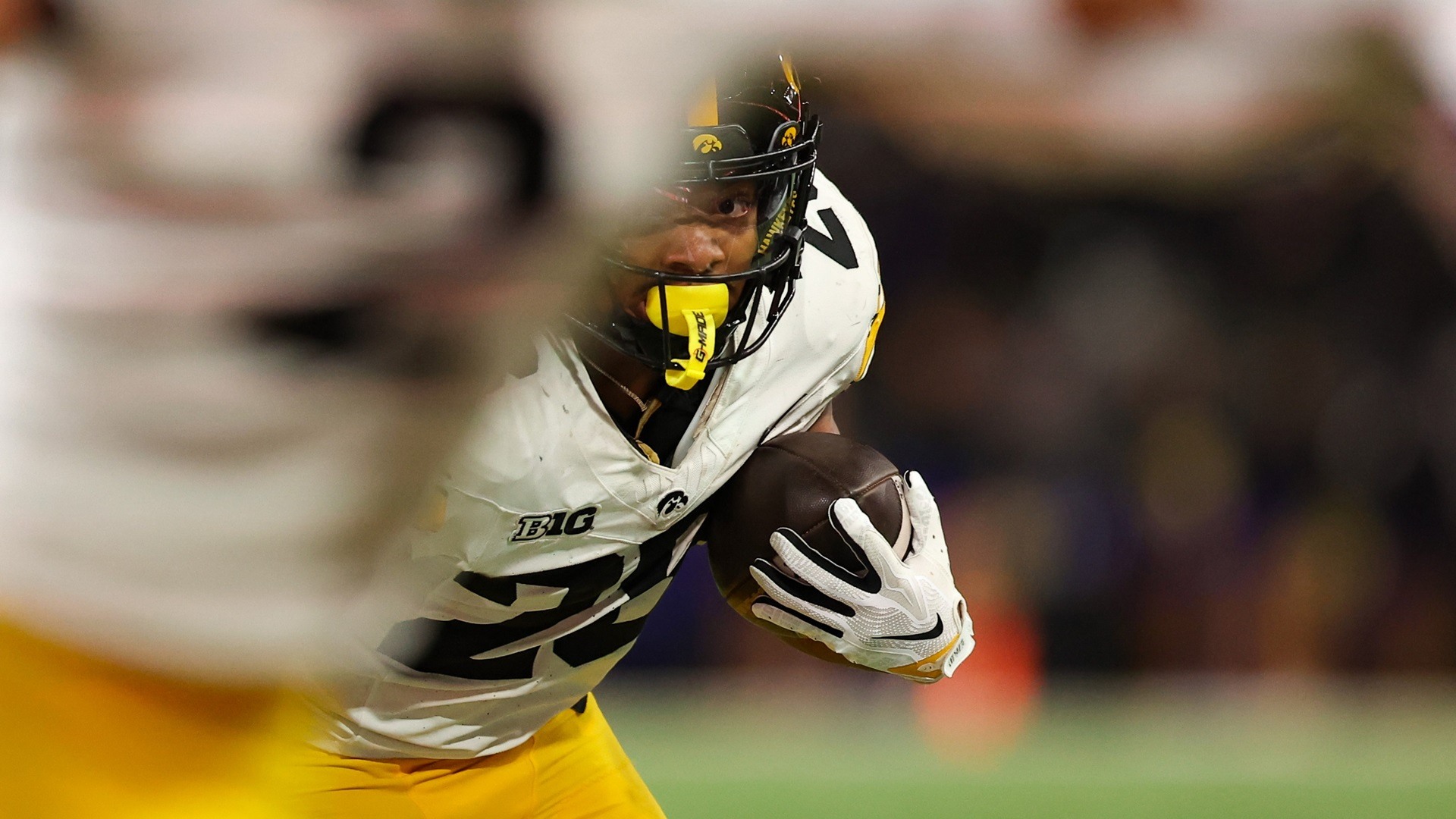
CBS college football this week: UCLA at Michigan
Updated November 17, 2026. The CBS college football game for Saturday, November 21, is UCLA at Michigan, with kickoff scheduled for 3:30 p.m. Eastern Time. The game is at Michigan Stadium in Ann Arbor. This is the actual CBS broadcast assignment, rather than a list of every college football game that happens to appear on the CBS Sports website.
| Date | Matchup | Kickoff ET | Television |
|---|---|---|---|
| Saturday, November 21, 2026 | UCLA at Michigan | 3:30 p.m. | CBS |
The NCAA's current television listing identifies the same matchup and channel. A season-long broadcast page can still show an older TBA placeholder after a more specific weekly announcement has selected the teams. For this weekend, use the named UCLA-Michigan assignment, then recheck close to kickoff in case there is a later change.
The distinction matters when planning a viewing window. LSU at Tennessee also starts at 3:30 p.m. ET, but it is listed on ABC. Indiana at Washington is listed on Peacock in that same window. They belong on a national college football schedule, yet neither becomes a CBS game simply because a CBS Sports schedule page carries its matchup and score information.
If UCLA-Michigan is your priority game, check your local CBS station or the authorized streaming route before Saturday afternoon. A network assignment does not identify your household's channel number, and the availability of an app does not establish that your current subscription includes the live feed.
The college football TV schedule gives you the broader slate, while the Week 12 page places the game among the week's matchups. This guide narrows the question to CBS: what is on the network now, what remains on its 2026 calendar, and how to avoid confusing CBS with its separate cable channel.
Remaining CBS college football dates in 2026
The CBS season continues after this Saturday's game. The remaining calendar combines Big Ten matchups, a conference championship, the Army-Navy rivalry and a bowl game. The table below is a forward-looking planning list as of November 17, rather than a full-season results archive. All times are Eastern.
| Date | Event | Kickoff ET |
|---|---|---|
| Saturday, November 21 | UCLA at Michigan | 3:30 p.m. |
| Friday, November 27 | Nebraska at Iowa | Noon |
| Saturday, November 28 | USC at UCLA | 3:30 p.m. |
| Friday, December 4 | Pac-12 Championship Game | 8 p.m. |
| Saturday, December 12 | Army vs. Navy | 3 p.m. |
| Thursday, December 31 | Sun Bowl | 2 p.m. |
The Black Friday date is worth noticing: Nebraska-Iowa is on Friday, not the Saturday slot many viewers associate with CBS football. Likewise, the conference title game falls on Friday evening, and the bowl game is on Thursday afternoon. Saving only a repeating Saturday reminder would miss important parts of the network's remaining schedule.
The schedule continues beyond Big Ten Saturdays
The Pac-12 Championship Game is scheduled for December 4 at 8 p.m. Eastern on CBS. Keep that time-zone label when copying the game into a personal calendar. A national television guide and a schedule written for a local audience can express the same start differently. Before treating two times as a conflict, check which time zone each uses. Consistent ET labeling makes the remaining national schedule easier to compare.
The bowl game's own announcement confirms the December 31 CBS broadcast at 2 p.m. ET. Keep the Sun Bowl entry separate from the conference championship and Army-Navy dates when arranging your year-end viewing. The broadcast date is useful now even while the participating teams remain to be selected.
Think of these dates as distinct appointments, not a guarantee of identical viewing circumstances. Your local CBS access may remain the same, but the day, kickoff and event setting change. Add the dates you care about to a personal calendar, then return to the game-specific listing as each approaches. That keeps a season plan useful without treating an early table as permanent.
CBS, CBS Sports Network and the CBS Sports website
Three similar names answer three different questions. CBS is the broadcast television network. CBS Sports Network, usually abbreviated CBSSN, is a separate cable sports channel. CBS Sports is also the name of a sports news and scores website that covers games televised across many competing networks. Treating these as interchangeable is the easiest way to end up looking for a game in the wrong place.
Why a game on the website may air somewhere else
A national scoreboard is organized around the sport, not only the publisher's own broadcast rights. That is why the CBS Sports college football schedule can show a matchup carried by ABC, ESPN, FOX, NBC or a streaming-only service. Read the TV field in the individual row. The logo at the top of the website is not a substitute for that field.
The same principle applies to search results. A headline beginning with a team's name and a CBS Sports web address tells you who published the article. It does not necessarily tell you where the game will be broadcast. Open the actual viewing information before deciding that the local CBS station or Paramount+ is the correct destination.
This Saturday’s separate CBS Sports Network lineup
The NCAA's November 21 schedule lists the following games on CBSSN. These are separate from UCLA-Michigan on CBS. Every time in this comparison is Eastern, including the late game on the West Coast.
| Matchup | Kickoff ET | Channel |
|---|---|---|
| East Carolina at Army | Noon | CBSSN |
| Old Dominion at UConn | 3:30 p.m. | CBSSN |
| UNLV at San Jose State | 7 p.m. | CBSSN |
| Utah State at Oregon State | 10:30 p.m. | CBSSN |
The afternoon overlap makes the distinction concrete. At 3:30 p.m. ET, a viewer interested in UCLA-Michigan needs CBS, while a viewer choosing Old Dominion-UConn needs CBS Sports Network. Having access to one channel does not prove access to the other. A provider's program guide or channel finder can establish the channel number and package inclusion for your household.
For CBSSN viewing, follow the game's authorized CBS Sports Network instructions and any required participating-provider sign-in. Do not infer that a Paramount+ subscription includes every CBSSN broadcast from the fact that CBS games can be streamed there. The broader TV schedule is useful when you want to compare these windows with games on other networks.
How to watch CBS games on television and Paramount+
Begin with the access you already have. If your local CBS station is available through an antenna, cable, satellite or a live-TV service, check its program guide for the specific game. Confirm the station and kickoff rather than assuming a national network name tells you your local channel number. Reception and carriage are household-specific questions.
For the streaming route, Paramount+'s official college football guide identifies the Premium plan as the option for the live local CBS feed. Sign in on the device you intend to use and find the Live TV area or the game's event page. Test the account before kickoff so that a forgotten password, an expired session or an app update does not consume the opening drive.
The service uses device location to determine the local CBS station. If the wrong affiliate appears, check the app's location permission and the service's support instructions. A television in another location can have different local-station availability from the one you tested at home. A successful login proves the account works; it does not by itself prove that the exact live event is available in every location.
Keep the distinction between a game feed and general sports programming. CBS Sports HQ, highlight clips, a preview show and a full live college football broadcast are different products. If you see studio discussion but not the matchup, verify that you opened the game's authorized live route. Searching again for a vague free stream can lead you away from an account or television channel that already works.
For viewers considering an antenna, the guide to legitimate free college football viewing explains the broader approach. A locally available CBS broadcast can be an option without buying another sports subscription, but reception is not guaranteed at every address. Avoid assuming that an antenna also supplies cable-only CBSSN.
Before buying anything, write down the exact games you want. One CBS game and one CBSSN game can require different access checks, while a household that already receives both may need no new subscription. The right question is whether your existing setup includes the assigned channel or authorized stream, not which service advertises the largest number of sports.
What to check when a matchup or channel is still TBA
Season-long broadcast calendars are useful before all the individual games have been selected. They become less useful if you interpret every placeholder as the latest information. TBA means that a field is not yet named in that particular listing. It does not mean a game has been canceled, and it does not automatically imply a noon kickoff.
Prefer the newer game-specific announcement
UCLA-Michigan provides a practical example. An older season guide can reserve November 21 for an unnamed Big Ten game, while the current weekly schedule identifies the teams and CBS assignment. The later, specific information resolves the placeholder. It should not be treated as an equal alternative to the older entry.
Look for the date of the announcement as well as the date of the game. An article updated this week can still contain a long table copied from an earlier season announcement. Compare the game-specific section, the school's current schedule and the broadcaster's weekly selection when a field remains unresolved. That check is especially useful for rivalry week, when multiple attractive games compete for the same television windows.
The six-day hold guide explains the selection process in more detail. You do not need to know every contractual detail to build a reliable viewing plan. You need the final named matchup, the correct date, the exact kickoff time and the assigned outlet.
Keep kickoff time and viewing access separate
Two listings can agree on the kickoff and still describe different ways to watch it. A school may put its local start time on the schedule, while a national guide converts the same instant to Eastern. Nebraska-Iowa's 11 a.m. Central start, for example, is noon Eastern. Those values agree once the time zones are included; deleting the labels would make them look contradictory.
A channel and a streaming service can also describe two authorized routes to the same broadcast. That does not justify replacing the channel with an app name on every row. Keep the television assignment and viewing route as separate notes, particularly when some viewers use a local station and others use a subscription app.
When a field truly remains unknown, preserve TBA and set a reminder to check again. When the field is known, record it clearly and retire the older placeholder. This small habit avoids carrying uncertainty forward after it has already been resolved, while also avoiding false precision for a game that still awaits an announcement.
Build your CBS viewing plan around the full weekend
A CBS-specific guide is useful precisely because it does not try to put every game on the network. Once you have identified the CBS game you want, compare that slot with the rest of the weekend. UCLA-Michigan and Old Dominion-UConn overlap at 3:30 p.m. ET on different CBS-branded channels, and other networks have their own games in that window. Choose a primary event before Saturday instead of discovering the conflict at kickoff.
Write a short personal plan with four fields: date, kickoff ET, matchup and exact outlet. Add your local channel number or app as a household note. Keep that note separate from the national assignment so that sharing the plan does not give someone with a different provider the wrong channel number.
The printable schedule can help organize a longer list, while the site's TV listings let you compare the game with the full slate. You do not need to print the entire season to save the next CBS appointment. A one-game calendar entry or a short paper list can be more practical when the rest of the weekend is already busy.
Save the next game without losing later changes
Use the calendar page if you want schedule downloads, and check how your calendar application handles the file. An imported file is not the same as a subscription that receives later updates. After adding an event, inspect the date, time zone and channel in your own calendar. A correct website listing cannot correct a manually edited reminder by itself.
Set the reminder early enough to check the device, account and local station before kickoff. If you intend to record the game through a television service, confirm that service's recording option and program listing separately. A live-streaming entitlement should not be assumed to include every recording or replay feature you might want.
When play begins, switch to the scores page for results rather than treating this schedule as a live scoreboard. Keep this guide for the remaining CBS dates and return to the next game's current listing as it approaches. The combination gives you a useful season calendar and a specific, verified destination for each broadcast.
Loading comments...